
FramePick · iOS 17+ · On-device
FramePick
Choose a video first, then save the one second worth keeping.
Pick a video, let FramePick find the best moments on device, then save the moment as a Live Photo.
- No video uploads
- Selection and creation stay on device
- No account required
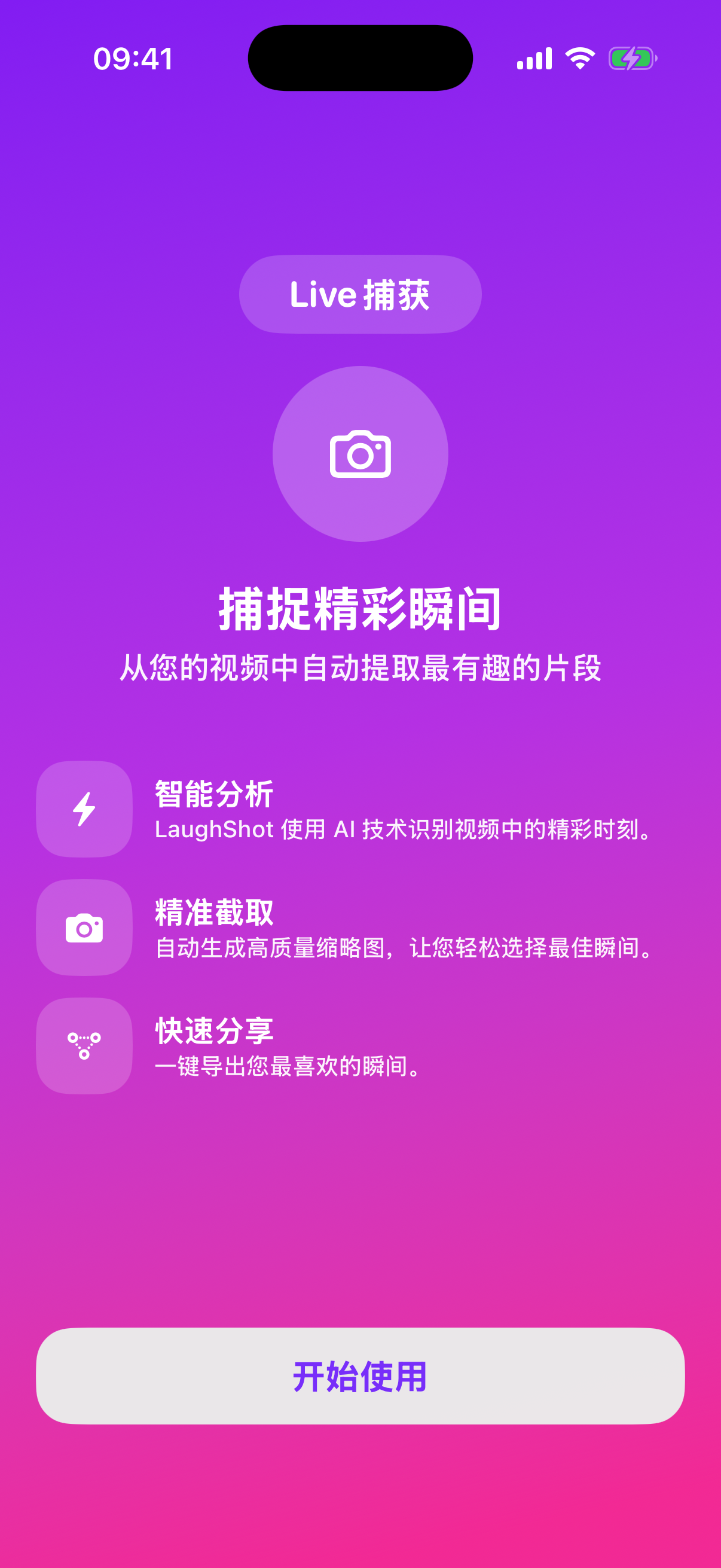
How it works
The product flow stays fixed in three steps.
Pick a video, let AI find moments, then save.
- 01
Pick a video
Choose a video from your library. FramePick starts working on device right away, with no sign-in and no upload step.
- 02
AI finds moments
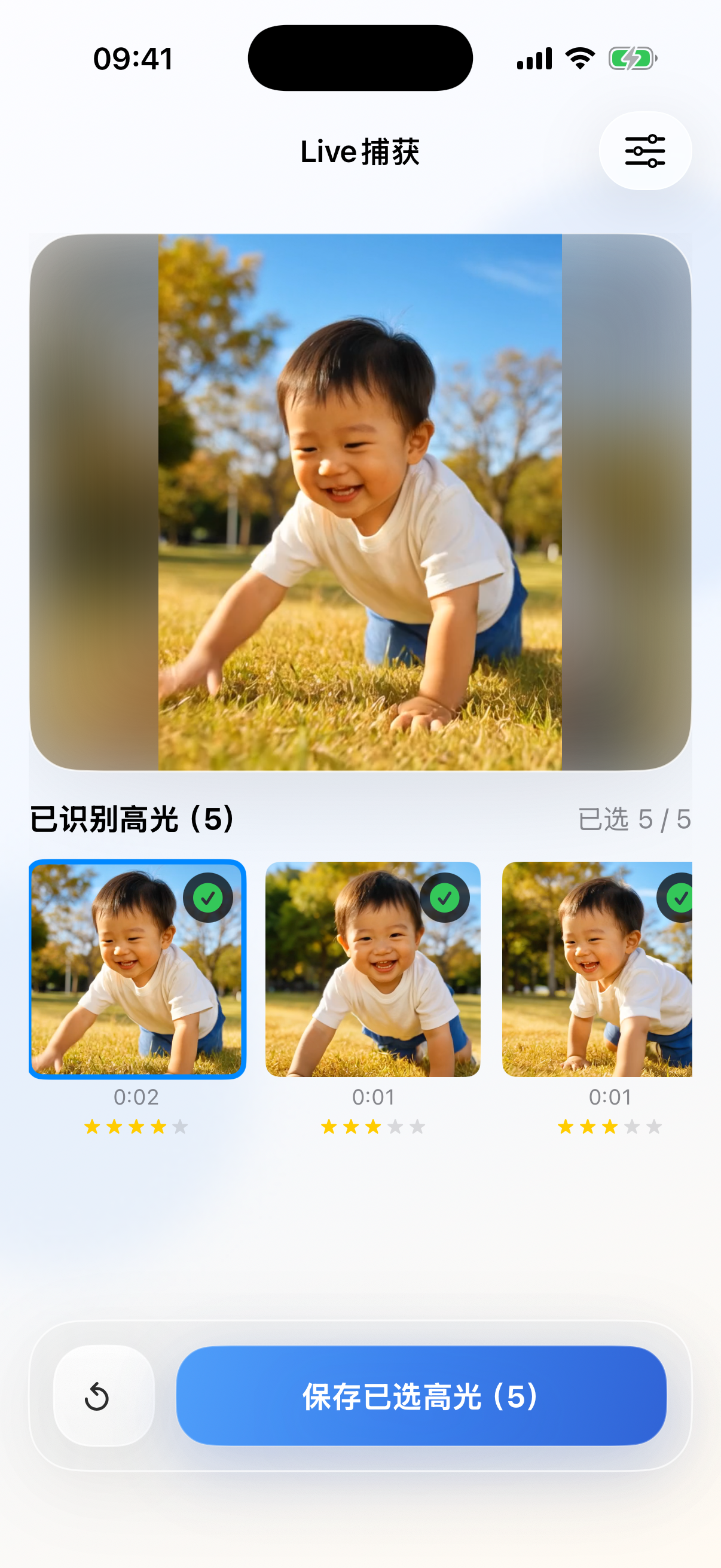
It brings the strongest candidate moments to the surface first so you do not have to scrub through the whole timeline manually.
- 03
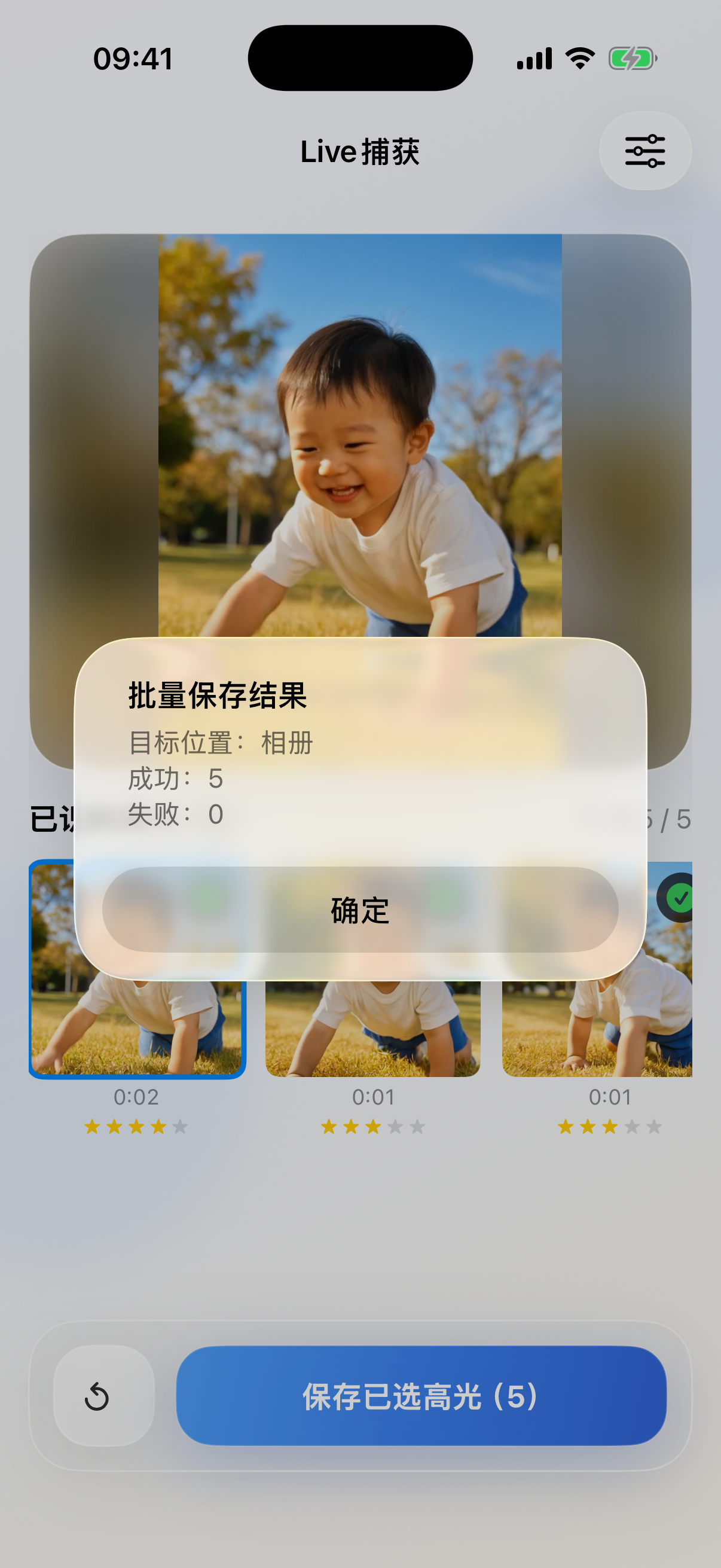
Save with one tap
Choose the right second and save it as a Live Photo, turning a full clip into one result you actually keep.
See the best candidates first
Bring the moments worth keeping to the surface first.
The analysis screen lines up the strongest candidates and leaves the final pick to you.
From an ordinary video to a Live Photo you want to open again and again.
The feeling is buried in the full timeline.
You know the second happened, but it sits inside everything before and after it, making it hard to reach quickly.
The best second is kept on its own, and it still feels alive.
One ranking pass and one save action turn the strongest instant into something easier to return to.
Privacy & trust
Private video should not have to leave your device just to feel premium.
FramePick has no accounts, no ad or analytics SDKs, and no video uploads. Selection, ranking, and creation all stay on device.
Read the full privacy policyNo uploads
Your video never needs a server.
On-device only
Analysis and creation stay on your phone.
No account
Open, choose, save. No account system involved.
FramePick
Pick a video, let AI find the moment, then save it as a Live Photo you actually keep.
Download FramePick and move through the core flow in three steps: pick a video, find the moment, save it.